How to Organise Document Feedback
A practical structure for collecting and using reviewer feedback without losing track of it.
Document review & approval software · One-time packages · Digital delivery
A practical approach to categorising documents so your workspace stays searchable.
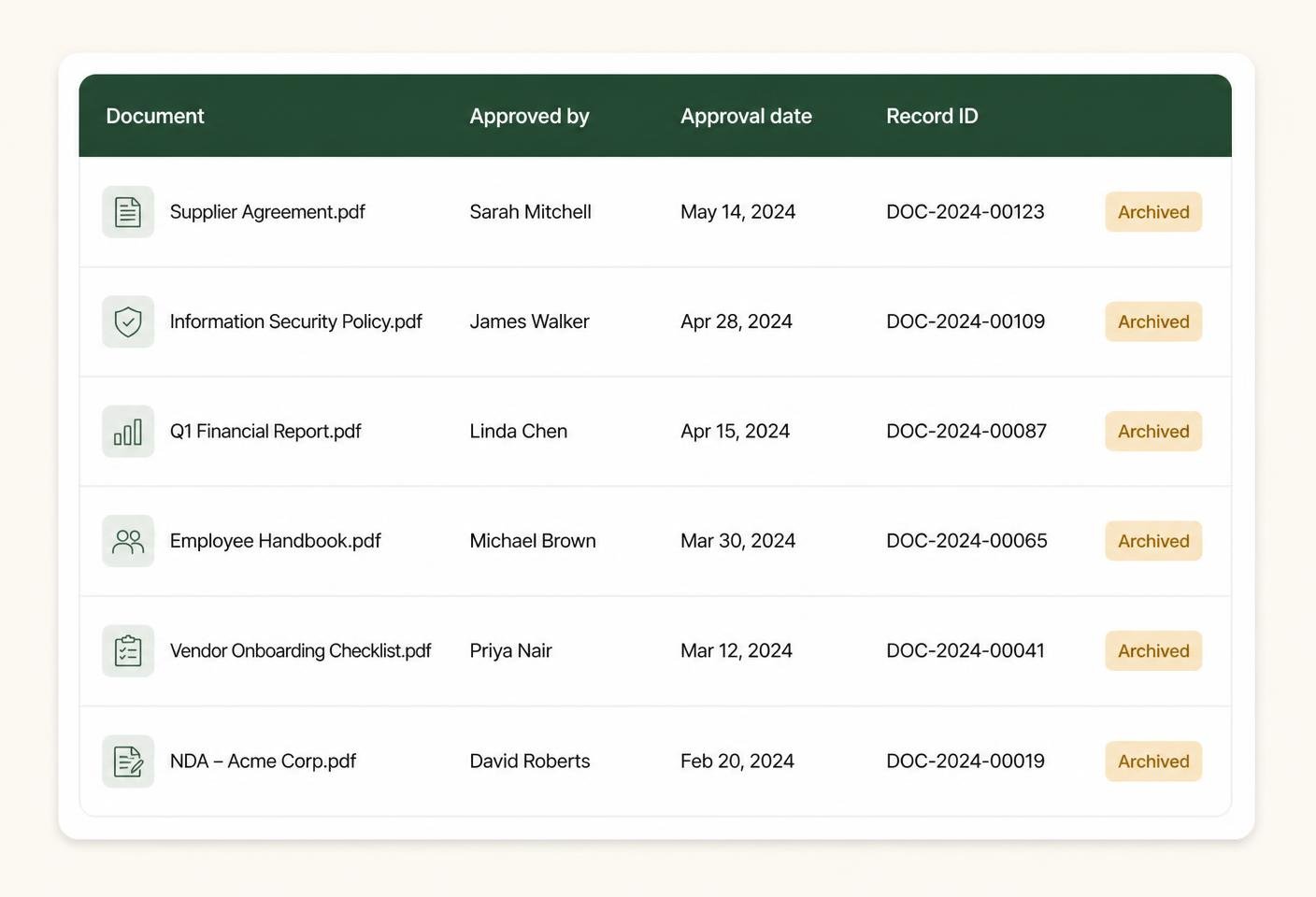
Categories should reflect the questions you ask later, such as show me everything for this client, rather than mirroring internal production steps nobody else needs to see.
A handful of clear categories, such as client-facing, internal, contracts and templates, is far more usable than twenty overlapping options that are hard to tell apart.
Categories should describe what a document is, not what stage it is at. Approval status already covers where a document has reached in the process.
Deciding on category names early and sticking to them avoids ending up with near-duplicate categories such as Contract and Contracts.
A category structure that suited a smaller range of work may need a light revision as you take on new types of documents or clients.
Categories narrow things down; free-text search finds the rest. Together they make locating a specific document, even an old one, straightforward.
A short written definition of what belongs in each category keeps everyone using them the same way, particularly once more than one person is adding documents.
A clear review process becomes easier to sustain once there is a structure around it: defined approval stages, organised reviewer feedback, tracked versions and useful revision notes. ApproveTrail organises that information; the review and approval decisions themselves always remain with you and your reviewers.
This article is general information about document-review practice. It is not legal advice and does not constitute document or signature certification.
A practical structure for collecting and using reviewer feedback without losing track of it.
How to design a workflow that reflects the way your documents are actually reviewed.
Keeping track of drafts and revisions so nobody works from the wrong copy.
Compare the seven ApproveTrail packages and choose the level that matches your reviewers, document volume and approval requirements.