Building a Simple Approval Workflow
How to design a workflow that reflects the way your documents are actually reviewed.
Document review & approval software · One-time packages · Digital delivery
A practical structure for collecting and using reviewer feedback without losing track of it.
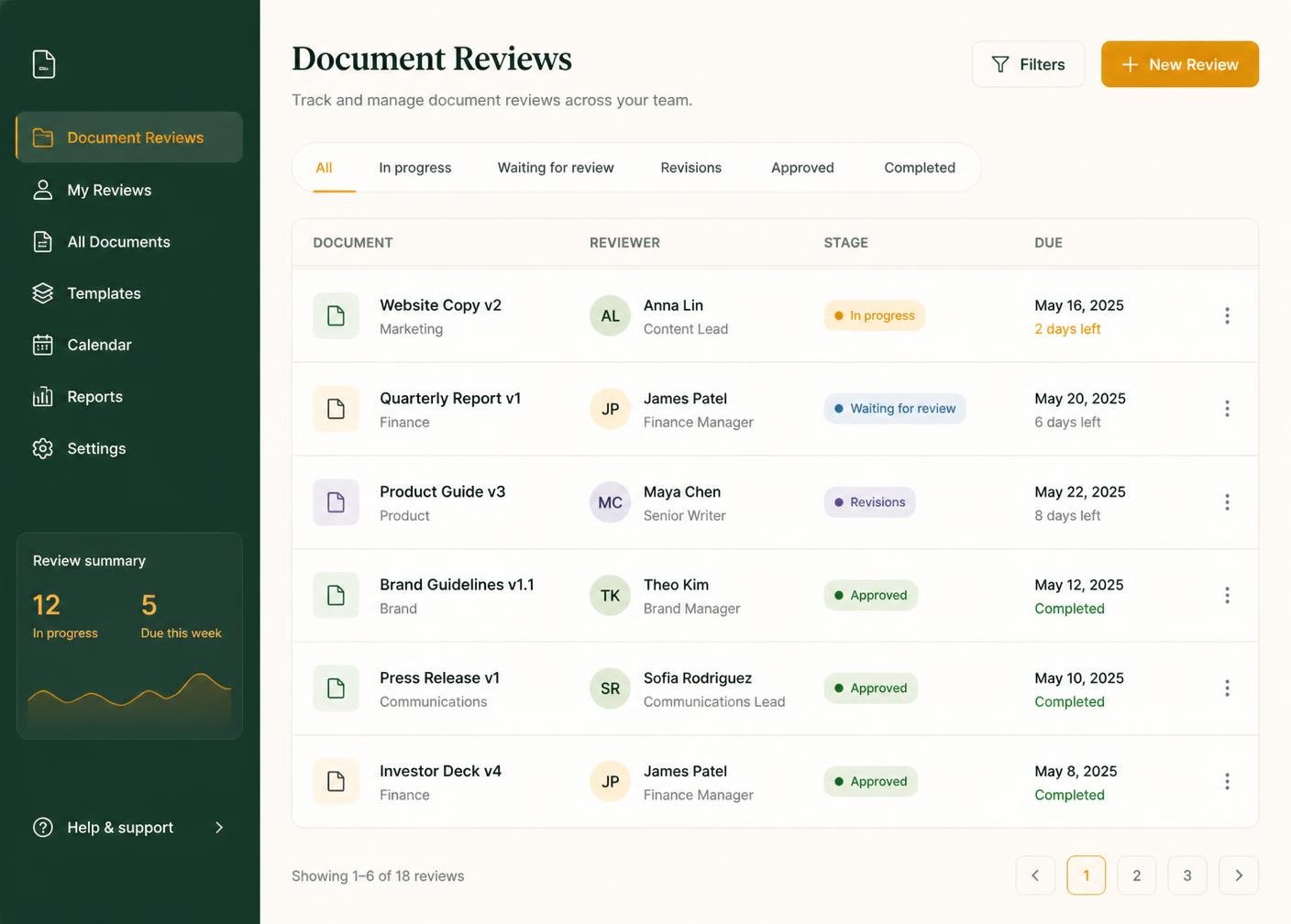
Comments about a document only make sense if you know which draft they refer to. Record the version number or date alongside every piece of feedback, so a comment about paragraph three is never applied to the wrong revision by mistake.
Reviewers often mix must-fix issues with optional preferences in the same message. Tag or list them separately so nothing essential is missed while you are working through the nice-to-haves.
When feedback arrives by email, chat and verbal conversation all at once, something always gets lost. Move every comment into a single structured record for that document as soon as you receive it, even if that means retyping a short verbal note.
If two reviewers disagree, knowing which comment came from which person makes it far easier to resolve the conflict quickly rather than guessing at the source later.
When a piece of feedback has been actioned, mark it as done rather than deleting it. A visible record of what was raised and resolved is useful if the same question comes up again.
Before moving a document from Changes Requested to Revised, check that every open comment has actually been addressed. A quick checklist pass here avoids sending work back for review a second time.
Feedback that is specific and factual is quicker to action than feedback that is vague. Encourage reviewers to reference exact sections, and note this expectation when you brief a new reviewer.
A clear review process becomes easier to sustain once there is a structure around it: defined approval stages, organised reviewer feedback, tracked versions and useful revision notes. ApproveTrail organises that information; the review and approval decisions themselves always remain with you and your reviewers.
This article is general information about document-review practice. It is not legal advice and does not constitute document or signature certification.
How to design a workflow that reflects the way your documents are actually reviewed.
Keeping track of drafts and revisions so nobody works from the wrong copy.
What each stage in a typical approval process should represent.
Compare the seven ApproveTrail packages and choose the level that matches your reviewers, document volume and approval requirements.